Individual Device
To view and manage the subscription for a single device in your account:
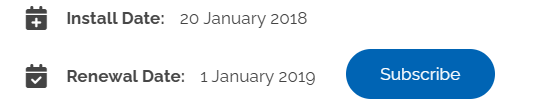
- Go the device Settings page and scroll down to the Service Information section

- You'll be able to see installation and renewal information in this section
Devices by Group
To view and manage subscriptions for all of the devices in a particular group:
- Go to the group and scroll down until you find the Group Settings button

- In Group settings click Reports and then View Subscriptions

- This will give you subscription information for this specific group of devices
All Devices
To view and manage subscriptions for all of the devices in your account:
- Go to ‘Account Settings’ in navigation
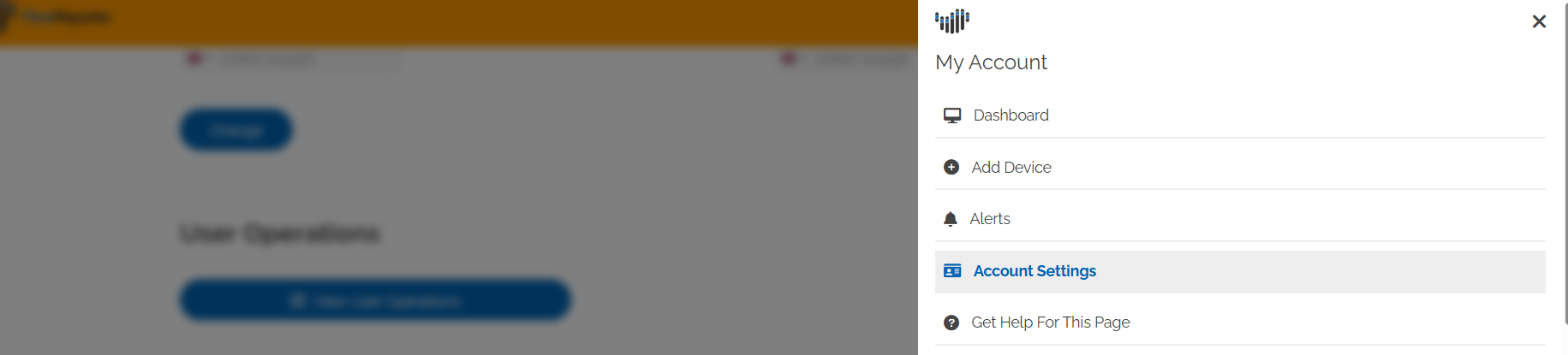 Scroll down to the ‘Subscriptions’ section and click "View Subscriptions"
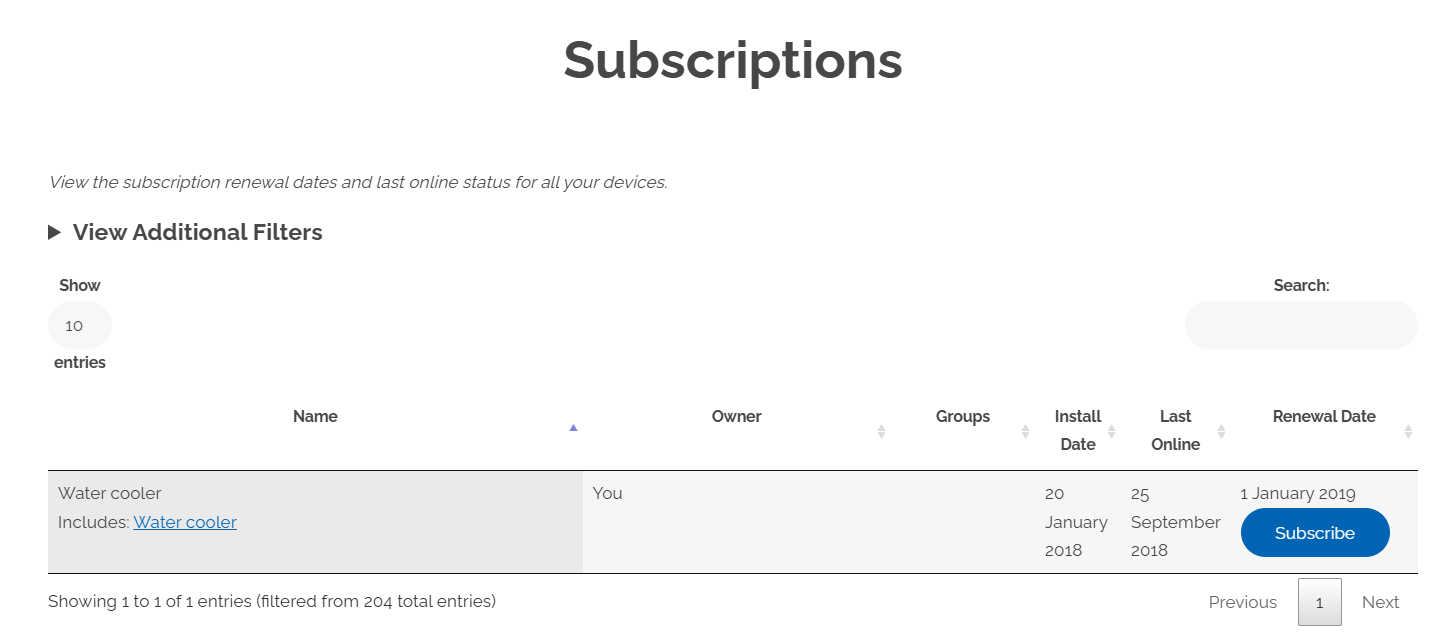
- You can now see information about renewal for all of your devices. You can search these or filter them by group or renewal date.
Was this article helpful?
That’s Great!
Thank you for your feedback
Sorry! We couldn't be helpful
Thank you for your feedback
Feedback sent
We appreciate your effort and will try to fix the article